Floating Buttons and Mobile CTAsBotones Flotantes y CTAs Móviles
Create always-available WhatsApp, coupon, call, checkout, and social actions.Crea acciones de WhatsApp, cupón, llamada, checkout y redes sociales.
What every CTA shares
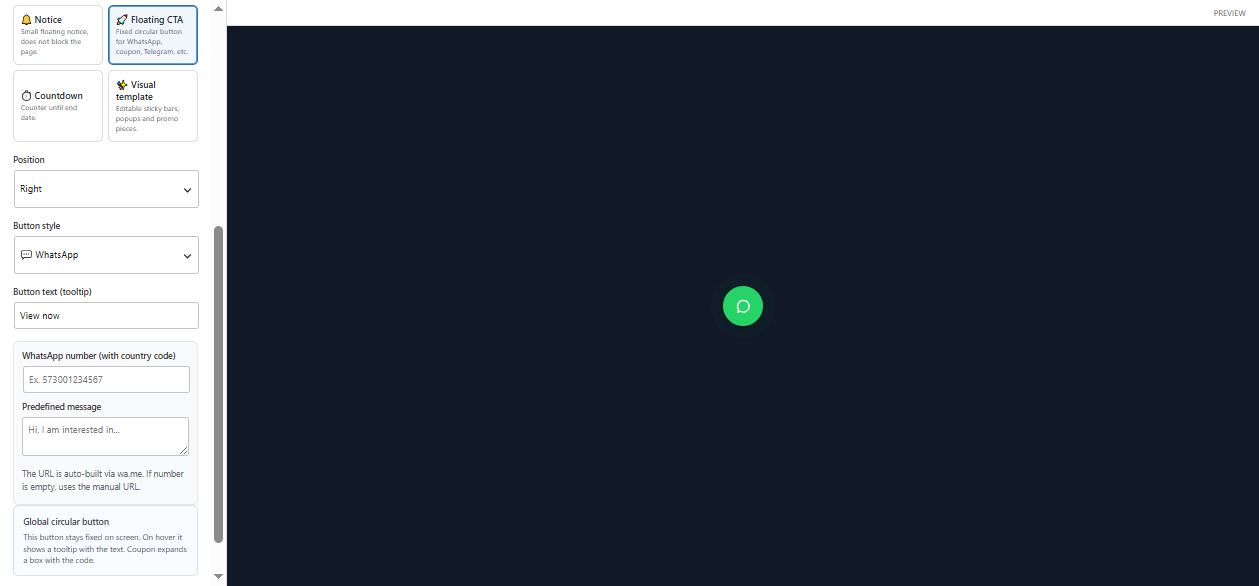
Floating CTA creates a fixed circular button at Top, Bottom, Left, or Right. Button text is shown as a tooltip. Schedule, recurring days, device, audience, and Rules control when it appears. The selected style changes the available fields and click action.
Enter a number with country code and an optional prefilled message. ElemPilot builds the wa.me link automatically; when the number is empty, it uses the manual URL.
Telegram
Enter the username and optional prefilled message. ElemPilot builds the t.me link. Make sure the username contains no spaces.
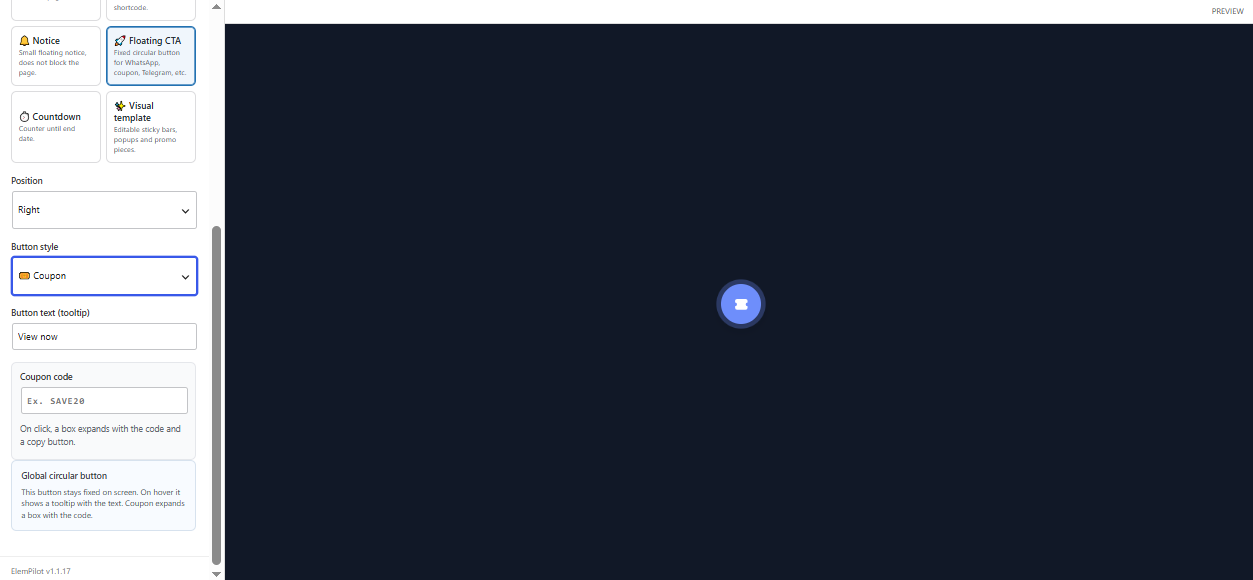
Coupon
Enter a short code such as SAVE20. Clicking the CTA expands a box with the code and a copy button instead of navigating away.
Call, Checkout, Instagram, and Messenger
- Call: use a telephone URL such as
tel:+15551234567. - Checkout: use the direct cart, checkout, or product URL.
- Instagram: use the complete supported profile or conversation URL.
- Messenger: use the complete Messenger destination URL.
These four styles share the URL field; ElemPilot does not guess the destination.
Best practices
- Use one primary floating CTA per screen.
- Test the link on mobile and desktop.
- Write a tooltip that names the action.
- Combine Device = Mobile with WhatsApp or Call when the action depends on a phone.
Qué comparten todos los CTA
Floating CTA crea un botón circular fijo en Top, Bottom, Left o Right. Button text aparece como tooltip. Schedule, días recurrentes, dispositivo, audiencia y Rules determinan cuándo se muestra. El tipo elegido cambia los campos y la acción del clic.
Configura número con código de país y un mensaje predefinido. ElemPilot construye el enlace wa.me automáticamente; si el número queda vacío, usa la URL manual.
Telegram
Configura el usuario y un mensaje predefinido. ElemPilot construye el enlace t.me. Comprueba que el username no tenga espacios.
Cupón
Escribe un código corto como SAVE20. Al pulsar el CTA se abre una caja con el código y un botón para copiarlo; no redirige a otra página.
Llamada, Checkout, Instagram y Messenger
- Call: usa una URL telefónica, por ejemplo
tel:+51999999999. - Checkout: usa la URL directa del carrito, checkout o producto.
- Instagram: usa la URL completa del perfil o conversación admitida.
- Messenger: usa la URL completa de Messenger correspondiente.
Estos cuatro estilos comparten el campo URL; ElemPilot no adivina el destino.
Buenas prácticas
- Usa un CTA principal por pantalla para no cubrir contenido.
- Prueba el enlace en móvil y escritorio.
- Escribe un tooltip que describa la acción, no solo “Click aquí”.
- Combina Device = Mobile con WhatsApp o Call cuando la acción depende del teléfono.