Builder OverviewResumen del Builder
Learn what each builder tab controls before publishing a campaign.Aprende qué controla cada pestaña antes de publicar una campaña.
The five builder tabs
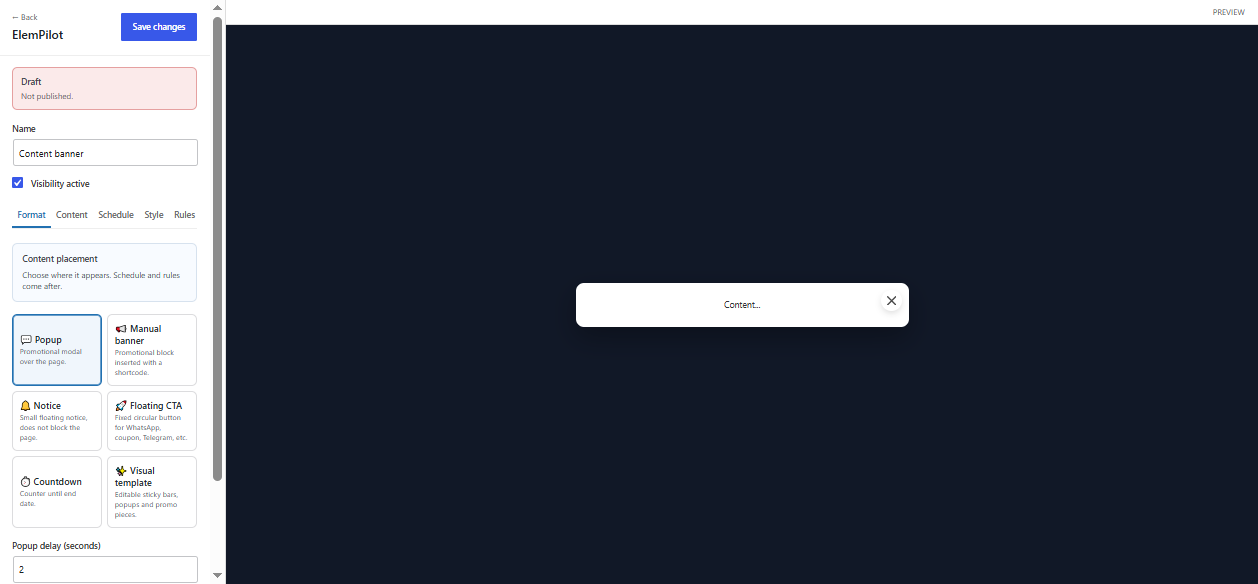
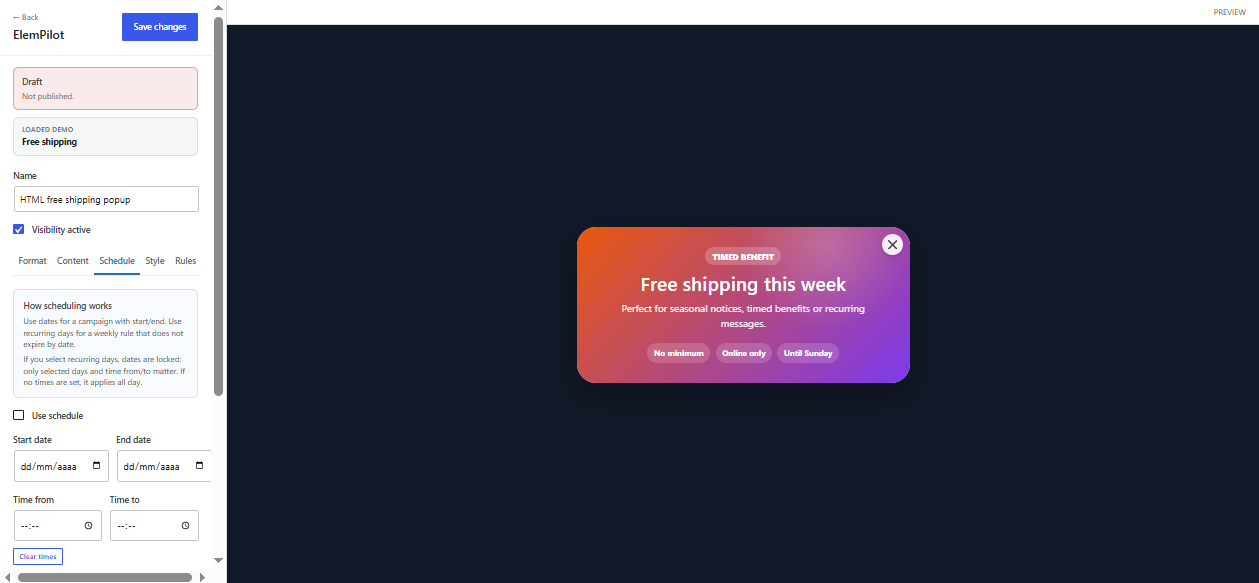
The builder uses five tabs: Format, Content, Schedule, Style, and Rules. Format decides what the item is. Content controls the copy, media, HTML, smart template fields, countdown labels, and buttons. Schedule controls dates, hours, and recurring days. Style controls size, spacing, radius, and colors. Rules controls where and for whom the item appears.
Recommended setup order
- Pick the format first.
- Add the content or smart template values.
- Set the schedule and countdown behavior.
- Adjust style only after the preview has real content.
- Lock rules last so testing is easier.
Common question
Why does the preview change when I switch formats? Each format has different layout rules, so the builder hides irrelevant controls and preview states.
Las cinco pestañas del builder
El builder usa Format, Content, Schedule, Style y Rules. Format decide qué tipo de item es. Content controla texto, media, HTML, campos inteligentes, labels de countdown y botones. Schedule controla fechas, horas y días recurrentes. Style ajusta tamaño, espaciado, radios y colores. Rules decide dónde y para quién aparece.
Orden recomendado
- Elige primero el formato.
- Agrega contenido o valores de plantilla.
- Configura horario y countdown.
- Ajusta estilos cuando el preview tenga contenido real.
- Define reglas al final para probar más fácil.
Pregunta común
¿Por qué cambia el preview al cambiar formato? Cada formato tiene reglas de layout distintas, por eso se ocultan controles irrelevantes.